
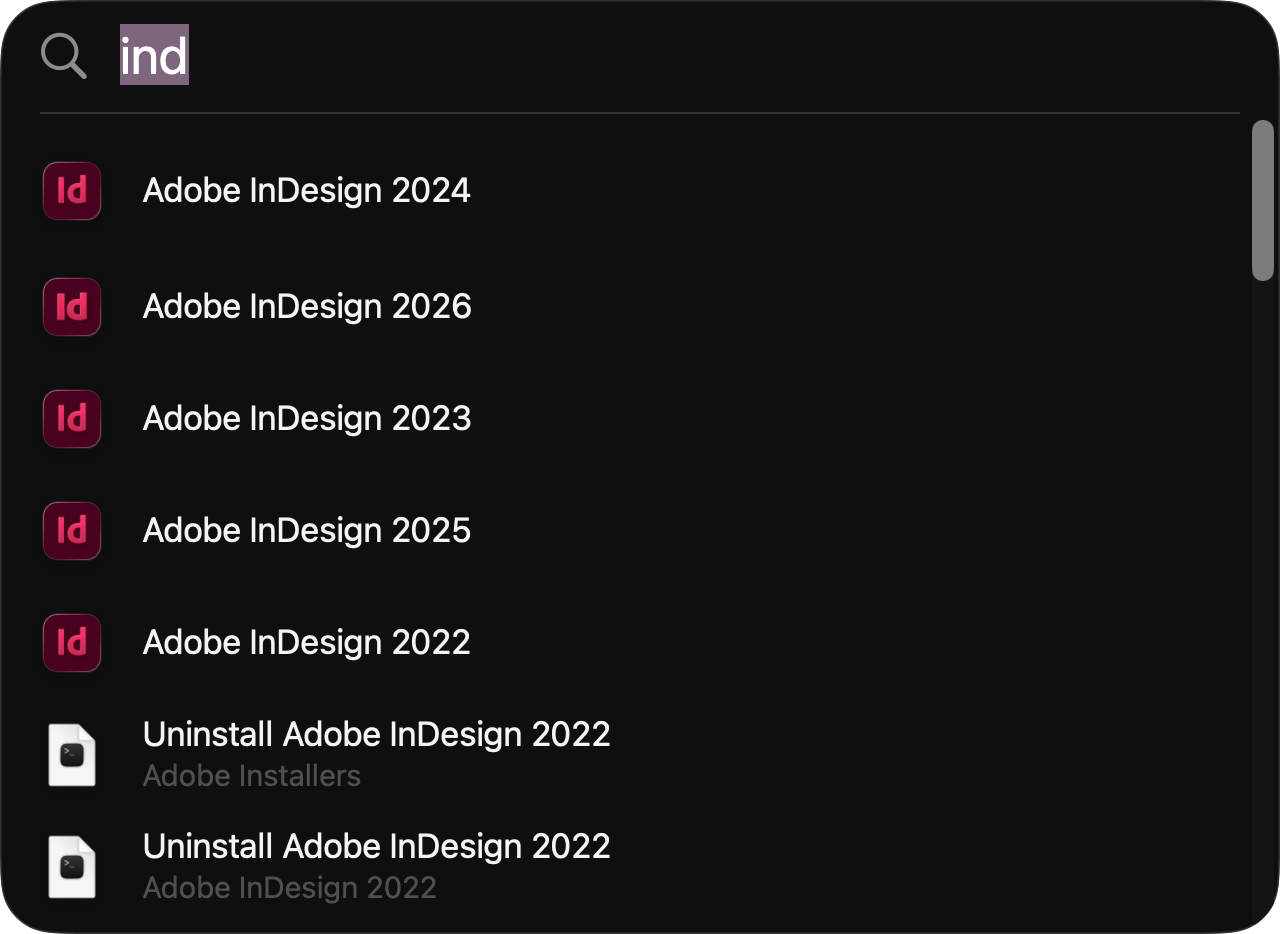
I don’t use the macOS Dock.
I mean that almost literally. It exists because Apple apparently insists that it exist, but I’ve banished it to the far side of the farthest monitor in my triple-monitor setup, set it to automatically hide, and then mostly forgotten about it.
Occasionally I’ll summon the Dock to Force Quit an application, but even that’s rare. Most of the time I just go to Apple menu > Force Quit instead.
I know people who put a lot of thought into their Docks. They organize them meticulously, customize them, change their size and magnification, and use third-party utilities to replace or augment them. I’ve seen some genuinely clever and beautiful setups.
They’re just not for me.
The reason is simple: Command-Space.
Once I got into the habit of launching applications by typing their names, the Dock became unnecessary. If I want Photoshop, I hit Command-Space, type enough of “Photoshop” for the Mac to know what I mean, and hit Return. Illustrator? Command-Space, “Illus,” Return. Brave Browser? Command-Space, “Brav,” Return.

I don’t have to remember where I put an icon. I don’t have to move the pointer across three monitors. I don’t have to organize anything. I just tell the Mac what I want.
For quite a while, I actually used Raycast instead of Spotlight. Raycast is fantastic, and it added a lot of functionality that Apple’s Spotlight simply didn’t have. But with macOS 26, Spotlight has gotten good enough that, for the way I work, it has completely replaced Raycast.
So now I’m back to the thing that originally made the Dock irrelevant to me: Command-Space, type, Return.
And, while we’re talking about Apple’s various methods of launching applications, I have never used Launchpad. Not “rarely.” Not “I tried it but didn’t like it.” I mean I have never incorporated Launchpad into my workflow at all. I’ve opened it, of course, but I’ve never understood what problem it was supposed to solve for me. Why hunt visually through screens of icons when I can type three or four letters of the application’s name?
That’s really what it comes down to. I’m not anti-Dock. I’m certainly not suggesting everyone should hide theirs on the Siberian edge of a multi-monitor setup. If you enjoy customizing yours, organizing it, or turning it into a beautifully engineered command center with third-party utilities, have at it. I genuinely appreciate the creativity people put into those setups.
I just don’t need one.
Command-Space. Type. Return.
Done.
You must be logged in to post a comment.