
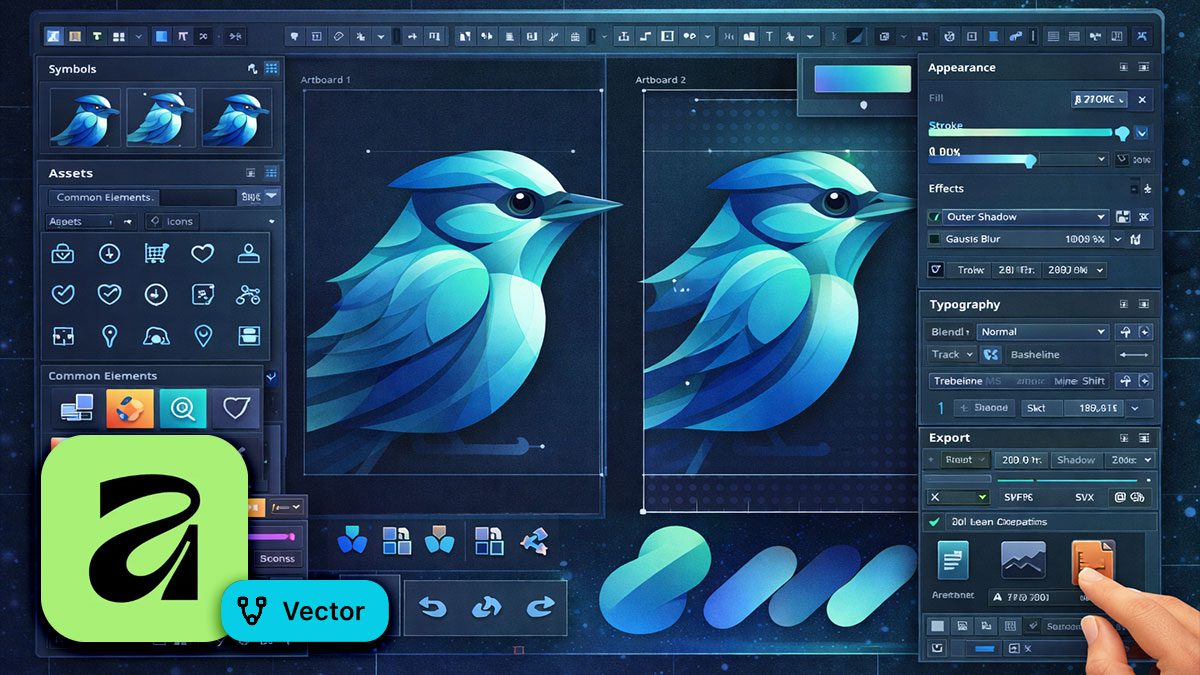
Overview
Professional vector work demands more than basic shapes and paths—it requires precision, systematic approaches, and mastery of advanced techniques. This advanced course builds on your Vector foundation to teach you the sophisticated methods used by professional illustrators, icon designers, and UI/UX specialists.
You’ll learn advanced path manipulation and node editing, complex Boolean operations and compound shapes, sophisticated symbol and component systems, advanced typography including text on path, isometric and technical illustration techniques, constraint-based responsive design, and production-ready asset management. Whether you’re creating icon systems, complex illustrations, UI kits, or brand identity work, you’ll gain the advanced skills that define professional vector production.
Format: 2 Days | VILT or On-Site
Who Should Attend
- Vector users ready to move beyond basic illustration techniques
- Professional illustrators seeking advanced technical skills
- UI/UX designers building component libraries and design systems
- Brand designers creating sophisticated identity systems
- Anyone who’s completed Affinity Vector Introduction or has equivalent experience
What You’ll Learn
- Master advanced node editing and path manipulation techniques
- Create complex shapes using advanced Boolean operations
- Build scalable symbol and component systems for design consistency
- Apply advanced typography and text effects including text on path
- Create isometric and technical illustrations with precision
- Design responsive layouts using constraints and smart resize
- Work with advanced gradients, meshes, and vector effects
- Implement professional asset export workflows for multiple platforms
Course Outline
Module 1: Advanced Path Editing and Manipulation
- Node types and conversion for precise control
- Creating and editing Bézier curves with mathematical precision
- Path operations: join, break, close, and reverse
- Using the Node tool for complex shape refinement
- Sculpt mode for organic shape manipulation
- Corner tool advanced techniques for dynamic radius control
- Converting strokes to paths for editability
- Path simplification and optimization strategies
Module 2: Complex Boolean Operations and Compound Shapes
- Understanding compound vs. expanded Boolean results
- Nested Boolean operations for complex geometry
- Divide, trim, and advanced path operations
- Creating parametric designs that remain editable
- Managing complex compound shape hierarchies
- Using Booleans for logo construction workflows
- Troubleshooting Boolean operation failures
- When to expand vs. maintain compound shapes
Module 3: Symbol Systems and Component Libraries
- Creating master symbols vs. nested symbol hierarchies
- Detaching and redefining symbols strategically
- Building icon systems with symbol variations
- Symbol overrides and instance customization
- Organizing symbol libraries for team use
- Exporting and importing symbol collections
- Creating UI component libraries with symbols
- Version control strategies for symbol updates
Module 4: Advanced Typography and Text Effects
- Text on path: open paths, closed shapes, and custom baselines
- Advanced text frame linking and column management
- Converting text to curves for custom manipulation
- Creating custom ligatures and letter modifications
- Advanced character and paragraph styling
- Text envelopes and warp effects
- Perspective text and 3D type treatments
- Variable fonts and OpenType feature access
Module 5: Isometric and Technical Illustration
- Setting up isometric grids and guides
- Creating isometric shapes from flat geometry
- Transforming artwork to isometric perspective
- Shading and highlighting for dimensional realism
- Technical illustration: exploded views and callouts
- Creating technical diagrams with precision measurements
- Cutaway illustrations and transparency techniques
- Assembly instructions and sequential illustration
Module 6: Advanced Color, Gradients, and Effects
- Global colors and color management across documents
- Advanced gradient techniques: radial, conical, and bitmap fills
- Gradient meshes for photorealistic shading
- Transparency and knockout effects
- Blend tool for morphing shapes and colors
- Advanced layer effects and appearance stacking
- Creating custom graphic styles and presets
- Using the appearance panel for complex effect combinations
Module 7: Constraints, Responsive Design, and UI Workflows
- Understanding constraints for responsive artboards
- Pin to edge, stretch, and smart resize behaviors
- Creating responsive UI components that scale properly
- Artboard management for multi-screen design
- Building responsive icon sets with constraints
- Design systems: spacing, sizing, and grid systems
- Creating interactive prototypes with artboard linking
- Exporting assets at multiple resolutions for development
Module 8: Advanced Export, Asset Management, and Production
- Export Persona mastery: slices, scales, and formats
- Creating export presets for consistent output
- Batch exporting assets for web, iOS, and Android
- SVG optimization and code cleanup
- PDF export for print: spot colors and overprint
- Creating reusable asset libraries and style guides
- Version control and file organization strategies
- Collaboration workflows and file handoff procedures
- Quality control checklists for production files
Prerequisites & Technical Requirements
- Completion of Affinity Vector Introduction or equivalent experience
- Solid understanding of shapes, paths, layers, and basic effects
- Affinity Vector installed (latest version from Canva)
- Experience creating vector artwork and illustrations
Customization Options
This course can be tailored to your specific vector workflows—icon system development, complex illustration, UI/UX component libraries, or brand identity creation. We can work with your actual project files, incorporate your brand standards and design system requirements, and focus on the advanced techniques most critical to your team’s work. If you specialize in particular illustration styles or have specific technical requirements, we can adjust the curriculum accordingly.