
Overview
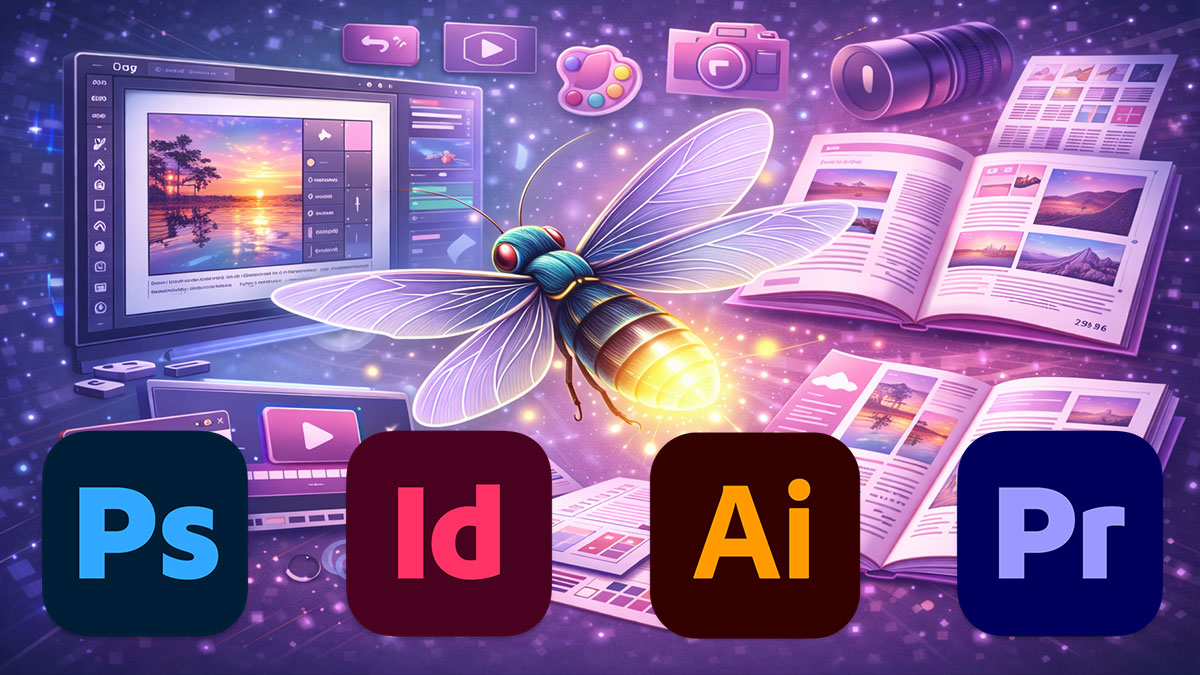
Adobe Firefly is built directly into the tools you already use—Photoshop, InDesign, Illustrator, and Premiere Pro. This half-day workshop gives you a focused walkthrough of Firefly’s AI features inside those applications so you can extend backgrounds, generate vectors, recolor artwork, and enhance video without leaving your favorite Adobe tools.
You’ll learn what each Firefly feature does best, where it falls short, and how to integrate AI-generated elements into production-ready designs. This is a practical, tool-focused session—not theory, not prompt engineering, just the Adobe Firefly features that save time and solve layout problems.
Format: 1/2 Day | Lecture
Who Should Attend
- Designers working in Adobe Creative Cloud who want to keep up with AI/Firefly features
- Production designers who need to solve layout and asset problems quickly
- Creative teams adopting AI tools within existing Adobe workflows
- Anyone who wants practical, hands-on Firefly training without the AI theory
What You’ll Learn
- Use Generative Fill and Generative Expand in Photoshop for compositing and background extension
- Generate vector graphics and explore color variations in Illustrator with Firefly
- Create layout imagery directly in InDesign using Text to Image
- Apply AI-powered video enhancements in Premiere Pro for reframing and audio cleanup
- Access Firefly on the web for standalone image and text effect generation
- Recognize when Firefly-generated assets need human refinement
Course Outline
Module 1: Firefly in Photoshop
- Generative Fill and Generative Expand for layout problem-solving
- Extending backgrounds, removing objects, and creating composite elements
- AI-assisted image editing workflows that save time
- Limitations and quality control: when generative tools fall short
Module 2: Firefly in InDesign
- Text to Image generation directly in layouts
- AI-assisted frame fitting and content-aware scaling
- Integrating AI-generated assets into production workflows
- Managing expectations: when to use InDesign AI vs. external tools
Module 3: Firefly in Illustrator
- Text to Vector Graphic for quick icon and illustration generation
- Generative Recolor for exploring color schemes and variations
- AI-powered pattern creation and repetition
- Vector simplification and when human refinement is essential
Module 4: Firefly in Premiere Pro
- AI-powered speech enhancement and automatic transcription
- Auto-reframe for adapting video to social media formats
- Color matching and AI-assisted grading workflows
- Audio cleanup, noise reduction, and mixing assistance
Module 5: Firefly on the Web
- Standalone image generation for concepts and mockups
- Text effects and graphic styles for branding and social media
- Generative Fill on the web vs. in Photoshop: when to use which
- Exporting and integrating web-generated assets into Adobe workflows
Prerequisites & Technical Requirements
- Working familiarity with Photoshop, InDesign, Illustrator, and/or Premiere Pro
- Adobe Creative Cloud subscription with Firefly features enabled
- No prior AI experience required
Customization Options
This course can be customized to focus on the Adobe tools your team uses most. If your work is primarily in Photoshop and InDesign, we can spend more time on image compositing and layout workflows. Video-focused teams can dive deeper into Premiere Pro’s AI features. We’ll adjust the session to match your production needs.