
Overview
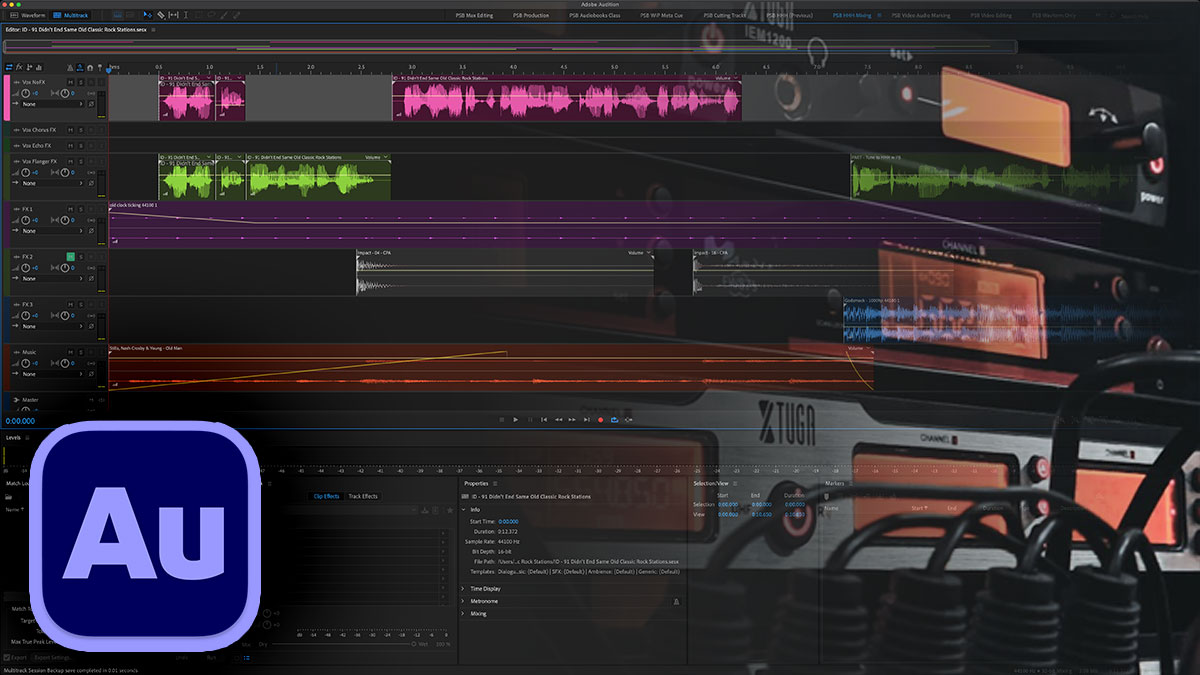
Radio imaging defines a station’s sonic identity—sweepers, stingers, promos, and IDs that create instant recognition and energy. This advanced course teaches radio producers, imaging directors, and audio branding professionals to create punchy, professional imaging elements using Adobe Audition’s powerful production tools.
You’ll learn the anatomy of professional radio imaging, build high-energy production pieces, master voice processing for punch and clarity, apply advanced compression, EQ, and creative effects, work efficiently with music beds and sound effects, and deliver broadcast-ready assets. Whether you’re imaging a major market station or building your production skills, you’ll create imaging that cuts through.
Format: 1–2 Days | VILT or In-Person
Who Should Attend
- Radio producers and imaging directors
- DJs creating their own production
- Board operators expanding their skills
- Audio branding professionals
What You’ll Learn
- Understand the anatomy of professional radio imaging
- Build sweepers, stingers, promos, and IDs
- The 3-by-3-by-3 rule of DJ drops and imaging
- Apply edit-to-beat techniques for high-energy production
- Create voice processing chains for punch and clarity
- Use advanced compression, EQ, saturation, and limiting
- Apply creative time-stretching, pitch, and formant effects
- Work efficiently with music beds and sound effects
- Deliver assets for broadcast automation systems
Course Outline
Module 1: Radio Imaging Fundamentals
- Anatomy of professional radio imaging
- Types of imaging: sweepers, stingers, promos, IDs
- Station branding through audio
- Planning imaging projects
Module 2: Building High-Energy Production
- Edit-to-beat techniques
- Building energy and momentum
- Timing and pacing for impact
- Layering elements effectively
Module 3: Voice Processing for Radio
- Processing chains for punch and presence
- EQ techniques for voice clarity
- Compression for impact
- De-essing and control
Module 4: Advanced Processing Techniques
- Advanced compression and parallel processing
- Saturation and harmonic enhancement
- Limiting for loudness and punch
- Multi-band processing
Module 5: Creative Effects
- Time-stretching for creative effects
- Pitch and formant manipulation
- Delays, reverbs, and spatial effects
- Sound design techniques for imaging
Module 6: Music Beds and Sound Effects
- Working with music bed libraries
- Editing and timing music elements
- Sound effects selection and placement
- Building an efficient asset workflow
Module 7: Loudness and Delivery
- Loudness standards for radio and streaming
- Final mastering for broadcast
- Export formats for automation systems
- Delivering broadcast-ready assets
Prerequisites & Technical Requirements
- Working knowledge of basic audio editing
- Familiarity with radio or broadcast production recommended
- Adobe Audition installed
- USB or SLR microphone (not a mic built into the computer)
- For in-person classes students must all have headphones
Customization Options
This course can be tailored to your station format and imaging style—CHR, rock, news/talk, or any format. We can work with your existing imaging elements and develop workflows that fit your production schedule and automation system.