
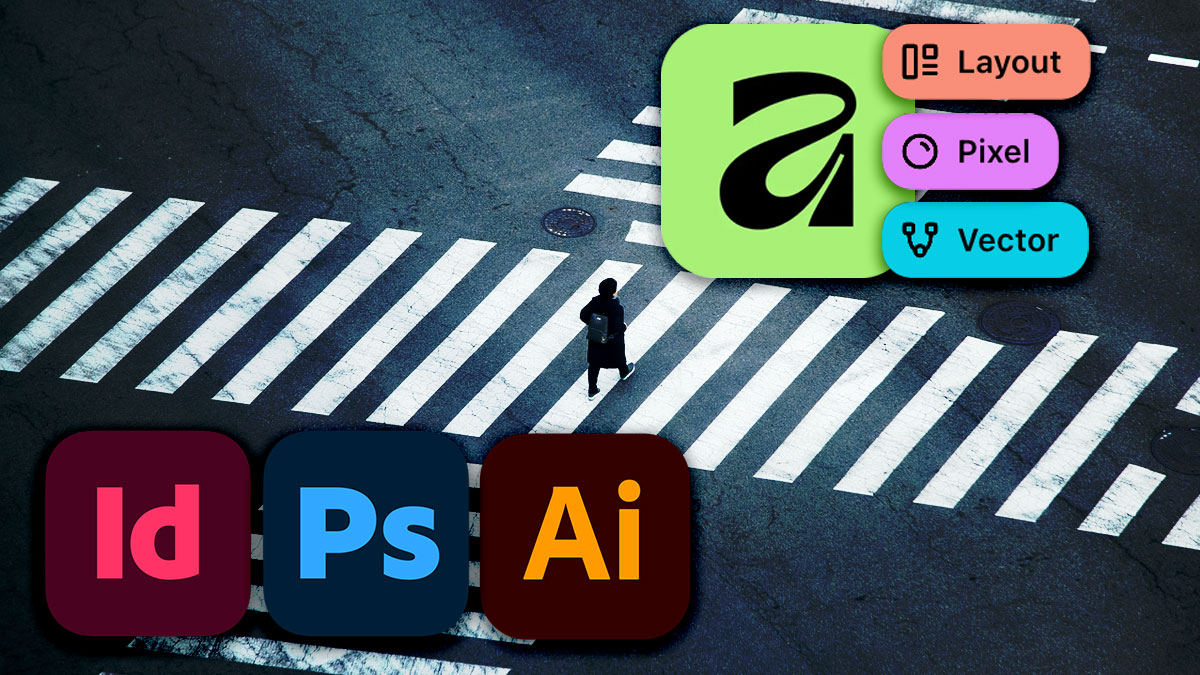
Overview
You’ve built your career on Adobe’s Creative Cloud. Now your organization is moving to Affinity—or you’re exploring the switch yourself. This course bridges that gap, giving experienced Adobe professionals a fast, structured path into Affinity’s ecosystem without starting from scratch.
Over two days, you’ll translate your existing Photoshop, Illustrator, and InDesign expertise into Affinity Pixel, Vector, and Layout. You’ll learn how to convert legacy Adobe files, rebuild your custom workspace, and maintain collaboration with teams still using Creative Cloud. By the end, you’ll be producing professional work in Affinity with the same confidence you had in Adobe.
Format: 2 Days | VILT or On-Site
Who Should Attend
- Photoshop, Illustrator, and InDesign professionals transitioning to Affinity
- Creative teams migrating from Adobe Creative Cloud to Affinity
- Freelancers and contractors adding Affinity to their toolkit
- Design managers overseeing a team-wide software transition
What You’ll Learn
- Convert PSD, AI, INDD, and PDF files into native Affinity formats
- Navigate Affinity’s Pixel, Vector, and Layout Studios with confidence
- Recreate your Adobe workspace and shortcuts in Affinity
- Collaborate with Creative Cloud users while working in Affinity
- Produce print-ready, web-optimized, and social media graphics
- Apply professional typography workflows in Affinity’s environment
Course Outline
Module 1: Understanding the Affinity Ecosystem
- How Affinity Pixel, Vector, and Layout map to Photoshop, Illustrator, and InDesign
- Key terminology differences and where to find familiar tools
- Affinity’s Persona system: switching modes within a single app
- File formats, compatibility, and what transfers cleanly from Adobe
Module 2: Converting and Managing Adobe Files
- Opening and converting PSD files: layers, masks, adjustments, and smart objects
- Importing AI files: preserving vectors, artboards, and effects
- Working with INDD content: strategies for layout migration
- Managing linked assets and fonts during conversion
Module 3: Building Your Affinity Workspace
- Customizing toolbars, panels, and keyboard shortcuts
- Creating and saving Studio presets for different project types
- Setting up color profiles, document presets, and export settings
- Matching your Adobe muscle memory to Affinity equivalents
Module 4: Core Production Workflows
- Photo editing and retouching in Affinity Pixel
- Vector illustration and logo design in Affinity Vector
- Page layout and multi-page documents in Affinity Layout
- Creating assets for social media, print, and digital publication
Module 5: Typography in Affinity
- Text frames, artistic text, and text-on-path techniques
- Paragraph and character styles for consistent formatting
- OpenType features, ligatures, and advanced typographic controls
- Managing fonts across Affinity apps
Module 6: Collaboration and Handoff
- Exporting files for colleagues still using Adobe Creative Cloud
- PDF workflows for review, proof, and print production
- Asset sharing strategies for mixed-software teams
- Version control and file management best practices
Prerequisites & Technical Requirements
- Minimum 1 year of professional experience with Photoshop, Illustrator, and/or InDesign
- Affinity Pixel, Affinity Vector, and Affinity Layout installed (latest versions)
Customization Options
This course can be tailored to your team’s specific migration path—whether you’re moving entirely to Affinity or maintaining a hybrid Adobe/Affinity environment. We can focus on particular apps, prioritize specific file types, or build workflows around your existing projects and brand assets.