
Overview
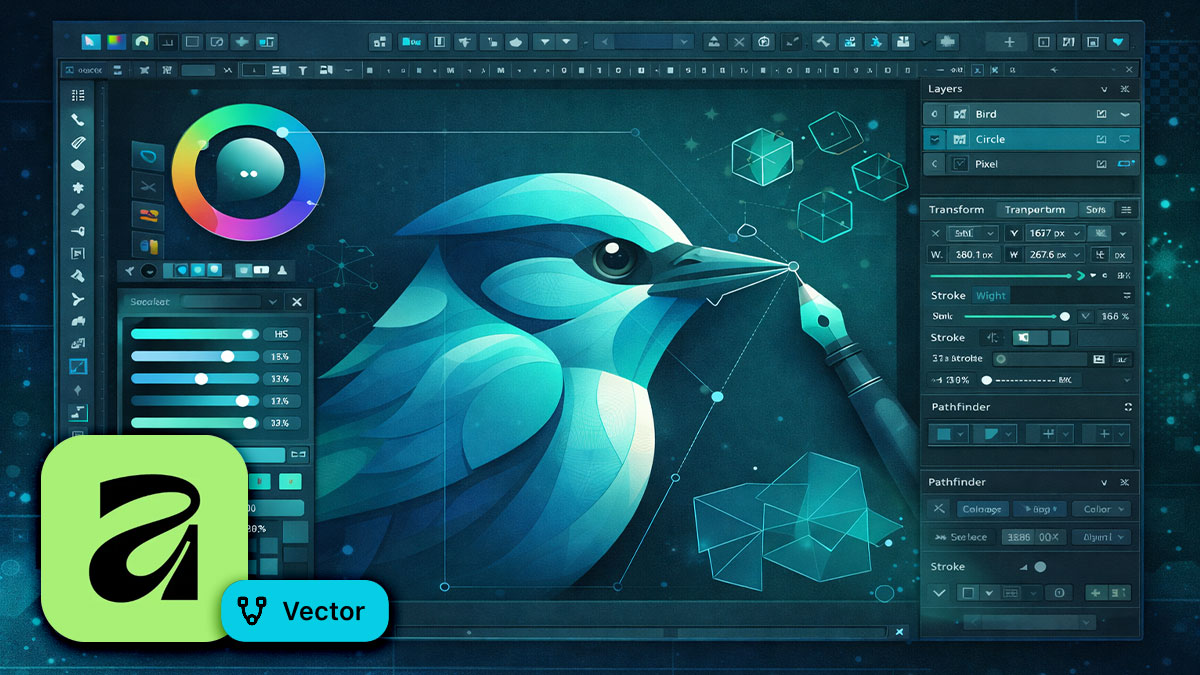
Affinity Vector—formerly known as Affinity Designer—is a professional vector graphics application for logos, icons, illustrations, UI design, and everything that needs to scale without losing quality. This two-day course takes you from your first shape to polished, export-ready artwork.
You’ll learn to draw and edit vector paths, work with shape tools and Boolean operations, apply color and effects, and prepare files for print, web, and screen. No prior Affinity experience is needed—this course builds your skills from the ground up with hands-on projects and real-world techniques.
Format: 2 Days | VILT or On-Site
Who Should Attend
- Graphic designers creating logos, icons, and illustrations
- Marketing professionals producing branded graphics
- UI/UX designers building interface elements and assets
- Anyone new to vector graphics or Affinity Vector
What You’ll Learn
- Draw and edit vector shapes, paths, and curves with precision
- Use Boolean operations to combine and subtract shapes
- Apply fills, strokes, gradients, and effects to your artwork
- Organize complex artwork with layers, groups, and symbols
- Create logos, icons, and illustrations from concept to completion
- Export assets optimized for print, web, and app development
Course Outline
Module 1: Getting Started with Affinity Vector
- Understanding the interface: tools, Studios, and the toolbar
- Personas explained: Designer, Pixel, and Export
- Setting up documents, artboards, and workspaces
- Essential preferences for performance and workflow
Module 2: Drawing Shapes and Paths
- Shape tools: rectangles, ellipses, polygons, and custom shapes
- The Pen tool: drawing straight lines, curves, and complex paths
- Node editing: adding, deleting, and converting points
- Corner tool and live shapes for non-destructive editing
Module 3: Boolean Operations and Shape Building
- Add, subtract, intersect, and divide shapes
- Compound shapes vs. destructive operations
- Building complex icons and logos from simple geometry
- Using the Shape Builder workflow for intuitive design
Module 4: Color, Fills, and Effects
- Solid fills, gradients, and transparency
- Stroke options: width, caps, joins, dashes, and pressure profiles
- Layer effects: shadows, glows, outlines, and blurs
- Working with swatches, palettes, and global colors
Module 5: Layers, Groups, and Symbols
- Organizing artwork with layers and sublayers
- Grouping, clipping, and masking objects
- Creating and using symbols for repeating elements
- Constraints and responsive design for scalable layouts
Module 6: Exporting for Print and Digital
- Export Persona: slices, export options, and batch export
- Exporting SVG, PNG, PDF, and EPS for different use cases
- Preparing artwork for print: CMYK, bleed, and press-ready output
- Asset export for web, apps, and multi-resolution screens
Prerequisites & Technical Requirements
- No prior Affinity or vector graphics experience required
- Affinity Vector installed (latest version from Canva)
Customization Options
This course can be customized to focus on your specific design needs—logo development, icon systems, technical illustration, or UI asset creation. We can incorporate your brand guidelines and real project files so you practice with work that matters to your organization.