
Overview
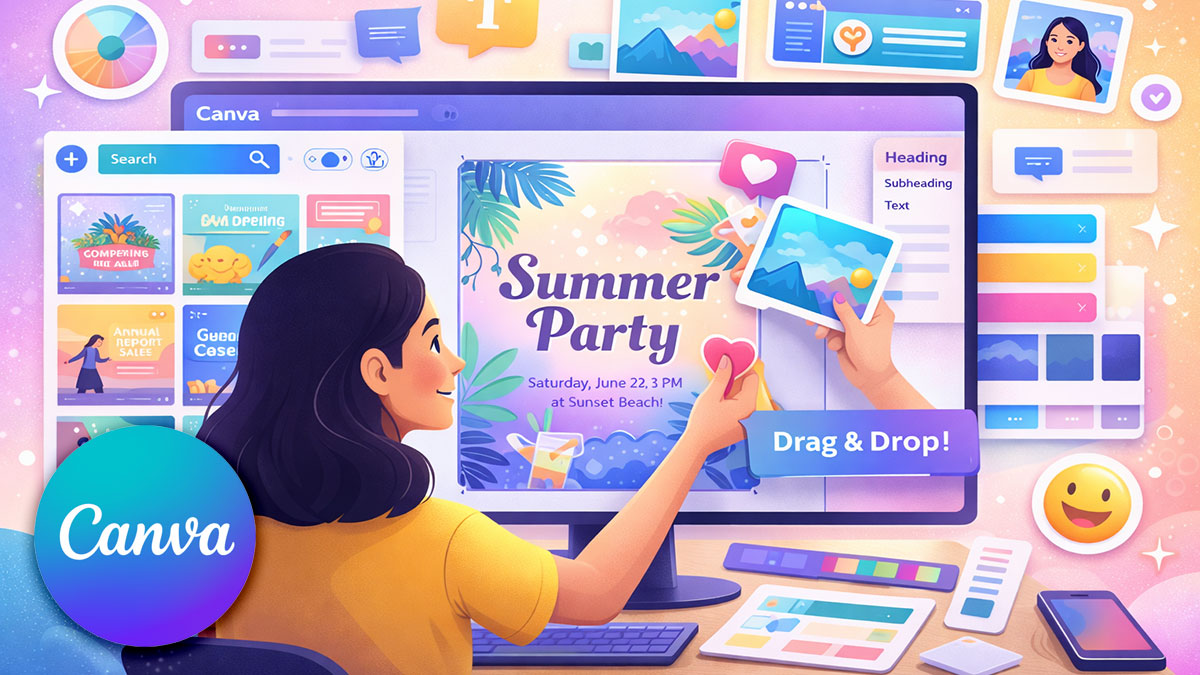
You don’t need to be a designer to create professional-looking graphics, presentations, and documents. This course teaches anyone—regardless of design experience—to use Canva confidently to create visual content for work, business, or personal projects.
You’ll learn design basics that make your work look polished, navigate Canva’s interface and tools, work with templates and customize them for your needs, create social media graphics, presentations, documents, and more. Whether you’re creating content for your job, running a small business, or managing communications for an organization, you’ll gain the skills to produce professional visual content quickly and easily.
Format: 2 Days | VILT
Who Should Attend
- Anyone who needs to create visual content but has no design experience
- Small business owners creating their own marketing materials
- Administrative professionals producing documents and presentations
- Social media managers without design backgrounds
- Team members asked to create graphics for the first time
- Anyone who wants to move beyond basic, text-only documents
What You’ll Learn
- Navigate Canva’s interface and understand core tools
- Apply basic design principles to make content look professional
- Find and customize templates for different purposes
- Work with text, images, shapes, and other design elements
- Create social media graphics for various platforms
- Design presentations and documents
- Export and share your work in different formats
- Establish simple brand consistency in your designs
Course Outline
Module 1: Canva Basics and Getting Started
- Creating your Canva account (free vs. Pro features)
- Understanding the Canva interface: homepage, editor, and tools
- Creating your first design from scratch and from templates
- Navigating the canvas: zooming, panning, and rulers
- Understanding design types and dimensions
- Saving, organizing, and finding your designs
- Using folders to stay organized
Module 2: Design Fundamentals for Non-Designers
- Visual hierarchy: what should people look at first?
- Using white space to improve readability
- Alignment and why it matters
- Color basics: choosing colors that work together
- Font pairing: making text readable and attractive
- Balance and composition for professional-looking designs
- Common beginner mistakes and how to avoid them
Module 3: Working with Templates
- Finding templates for your specific needs
- Searching and filtering templates effectively
- Customizing templates: what to change and what to keep
- Replacing placeholder text and images
- Adjusting colors to match your brand or preference
- When to use templates vs. starting from scratch
- Saving customized templates for reuse
Module 4: Text and Typography
- Adding text boxes and headings to designs
- Changing fonts, sizes, and colors
- Text alignment and spacing
- Using text effects: shadows, outlines, and backgrounds
- Making text readable on different backgrounds
- Creating text hierarchy for scannable content
- Using text templates and pre-designed text combinations
Module 5: Images, Graphics, and Visual Elements
- Uploading your own photos and images
- Finding stock photos in Canva’s library
- Cropping, resizing, and positioning images
- Using photo filters and adjustments
- Removing image backgrounds
- Adding shapes, lines, and frames
- Working with icons and illustrations
- Layering elements and arranging order
Module 6: Creating Social Media Graphics
- Understanding dimensions for different platforms
- Creating Instagram posts and stories
- Designing Facebook and LinkedIn graphics
- Making graphics for Twitter/X and other platforms
- Creating consistent visual style across posts
- Resizing designs for multiple platforms
- Adding your logo and branding elements
- Best practices for social media visuals
Module 7: Presentations and Documents
- Creating presentations in Canva
- Designing slides that aren’t text-heavy
- Using slide layouts and maintaining consistency
- Adding speaker notes and presenting
- Creating documents: reports, flyers, and one-pagers
- Designing readable, scannable documents
- Working with multi-page layouts
- Creating PDFs for sharing and printing
Module 8: Brand Consistency, Sharing, and Next Steps
- Setting up a simple Brand Kit with your colors and fonts
- Adding your logo for consistent use
- Creating templates you can reuse
- Exporting designs: PNG, JPG, PDF formats
- Downloading for web vs. print quality
- Sharing designs with others for feedback
- Collaborating with team members (Canva for Teams basics)
- Tips for continuing to improve your design skills
Prerequisites & Technical Requirements
- Basic computer skills and comfort using web browsers
- No design experience required
- No prior Canva experience required
- Canva account (free account works; Pro features will be demonstrated)
Customization Options
This course can be tailored to your specific content creation needs. We can focus on the types of materials you create most—social media content, presentations, marketing materials, or internal communications—and work with your brand colors and logos to create templates you’ll actually use. If your team has specific platforms or use cases, we’ll adjust examples and exercises accordingly.