
Overview
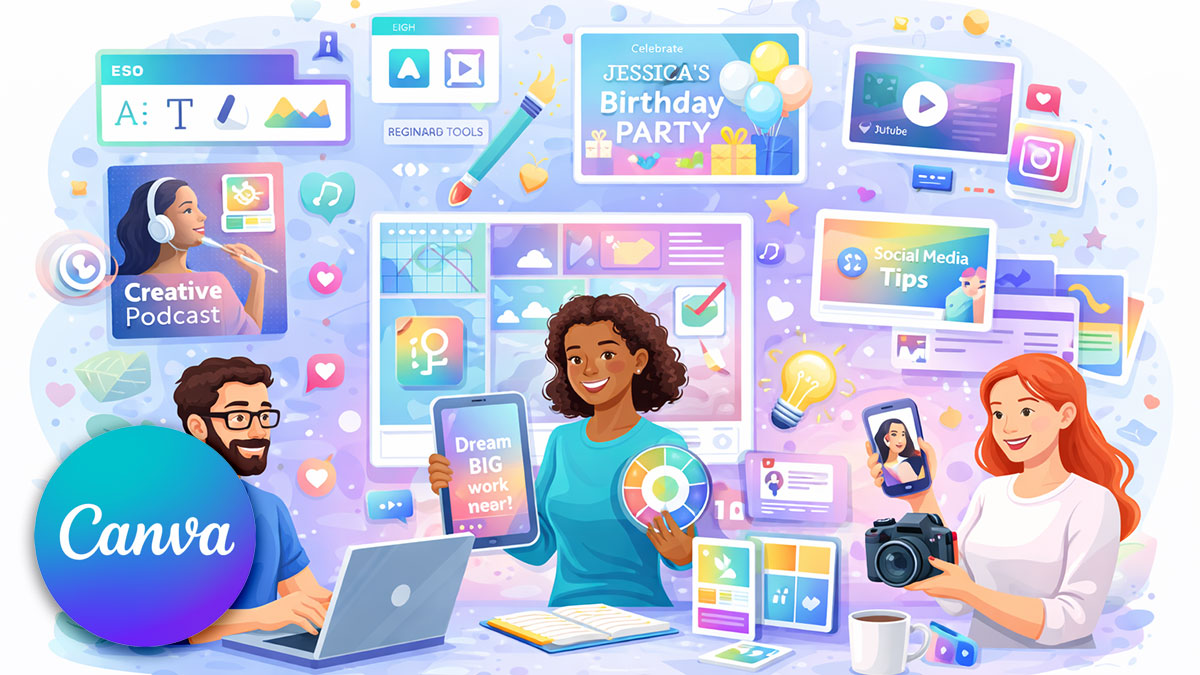
Canva has become an essential tool for creative professionals who need to produce polished visuals quickly—without sacrificing design quality. This course teaches designers, content creators, and marketing communicators to use Canva’s Visual Suite effectively, from template customization to final export.
You’ll learn to navigate the Canva workspace, work with templates while maintaining design standards, master text, image, and layout tools, apply basic animation and motion, explore Canva’s AI features, and export for print, web, and social media. Whether you’re supplementing professional design tools or making Canva your primary platform, you’ll produce quality work efficiently.
Format: 1 Day | VILT or Onsite
Who Should Attend
- Designers seeking efficient visual production tools
- Content creators producing marketing materials
- Marketing communicators handling visual content
- Anyone who needs professional visuals quickly
What You’ll Learn
- Navigate Canva’s Visual Suite and workspace
- Use templates without sacrificing design quality
- Work with text, images, frames, and layout tools
- Apply basic animation and motion principles
- Explore Canva AI features including Magic Design
- Export for print, web, and social media
- Apply basic accessibility considerations
Course Outline
Module 1: Canva Visual Suite Overview
- Understanding Canva’s capabilities
- Workspace navigation and organization
- Account setup and preferences
- Free vs. Pro features
Module 2: Working with Templates
- Finding and selecting appropriate templates
- Customizing without losing design quality
- When to start from scratch vs. use templates
- Building a personal template library
Module 3: Text and Typography
- Text tools and formatting options
- Font selection and pairing
- Text effects and styling
- Readability best practices
Module 4: Images, Frames, and Layout
- Working with images and photos
- Frames and masking techniques
- Layout tools and alignment
- Grids and composition
Module 5: Animation and AI Features
- Basic animation principles in Canva
- Applying motion to elements
- Introduction to Magic Design and AI tools
- When to use AI assistance
Module 6: Export and Accessibility
- Export settings for different platforms
- Print, web, and social media formats
- Basic accessibility: contrast and readability
- File organization and naming
Prerequisites & Technical Requirements
- Basic computer skills and web browser comfort
- Familiarity with basic visual content creation
- Canva account (free or Pro)
Customization Options
This course can focus on your specific content types—social media graphics, presentations, print materials, or marketing collateral. We can work with your brand assets and develop workflows that fit your production needs.