
Overview
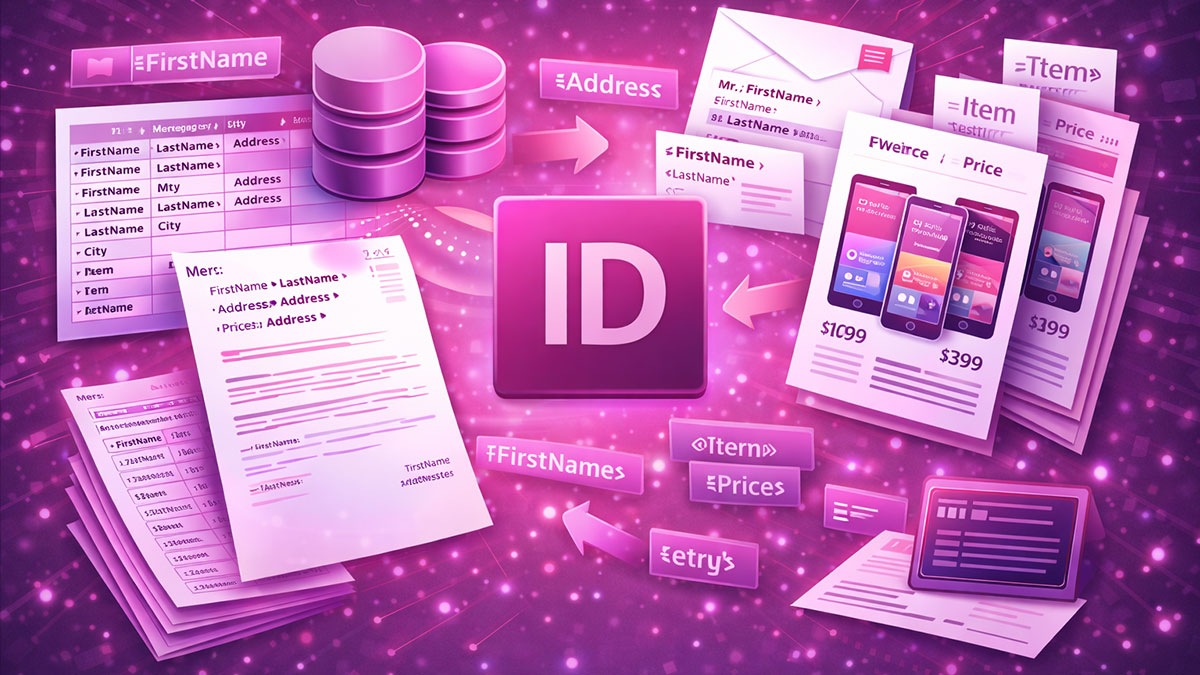
Adobe InDesign: Data Merge, Catalogs and Variable Data teaches designers how to automate the production of data-driven documents including catalogs, directories, certificates, and personalized marketing materials. This course covers the complete workflow from preparing and cleaning data sources through designing flexible templates and executing merges that generate hundreds or thousands of pages automatically.
Participants will learn to work with CSV and spreadsheet data, create image-linked catalogs with pricing and product information, implement conditional content for layout variations, and troubleshoot the challenges that arise with large-scale data merge projects. Through hands-on exercises, you’ll develop skills that can save days of manual production work.
Format: 2 Days | VILT
Who Should Attend
- Designers producing catalogs, directories, or price lists
- Marketing professionals creating personalized materials
- Production specialists automating repetitive document creation
- Publishing teams managing data-driven content
What You’ll Learn
- Prepare and clean data sources for successful InDesign merges
- Create data merge templates with text and image placeholders
- Build image-linked catalogs with product photos and pricing
- Implement conditional text for content variations
- Design layouts that accommodate variable content lengths
- Scale data merge workflows for large document production
- Troubleshoot common data merge problems and errors
- Integrate data merge with other InDesign automation features
Course Outline
Module 1: Data Preparation Fundamentals
- Understanding data source requirements and formats
- Cleaning and structuring spreadsheet data for InDesign
- Handling special characters and encoding issues
- Organizing image files for data-driven linking
Module 2: Data Merge Basics
- Connecting data sources to InDesign documents
- Inserting text placeholders and field codes
- Previewing records and testing merge output
- Creating single-record and multi-record layouts
Module 3: Image-Driven Catalogs
- Setting up image fields in data sources
- Creating image placeholders with automatic fitting
- Building product layouts with text and images
- Managing image paths and folder structures
Module 4: Conditional Content
- Understanding conditional text and its applications
- Creating conditions based on data field values
- Building layouts with content variations
- Combining conditions for complex logic
Module 5: Layout Design for Variable Data
- Designing templates that accommodate content variation
- Handling variable text lengths gracefully
- Creating flexible multi-record layouts
- Maintaining visual consistency across merged records
Module 6: Scaling and Troubleshooting
- Managing large data sets and extended merge times
- Optimizing performance for high-volume production
- Troubleshooting common data merge errors
- Quality control for merged output
Prerequisites & Technical Requirements
- Intermediate InDesign experience including templates and styles
- Basic spreadsheet knowledge for data preparation
- Computer with Adobe InDesign installed (trial version acceptable for training)
Customization Options
This course can be customized to focus on your specific document types, whether product catalogs, member directories, certificates, or personalized marketing materials. We can work with your actual data sources and develop templates for your real production needs, addressing the particular challenges of your content and volume requirements.