
Overview
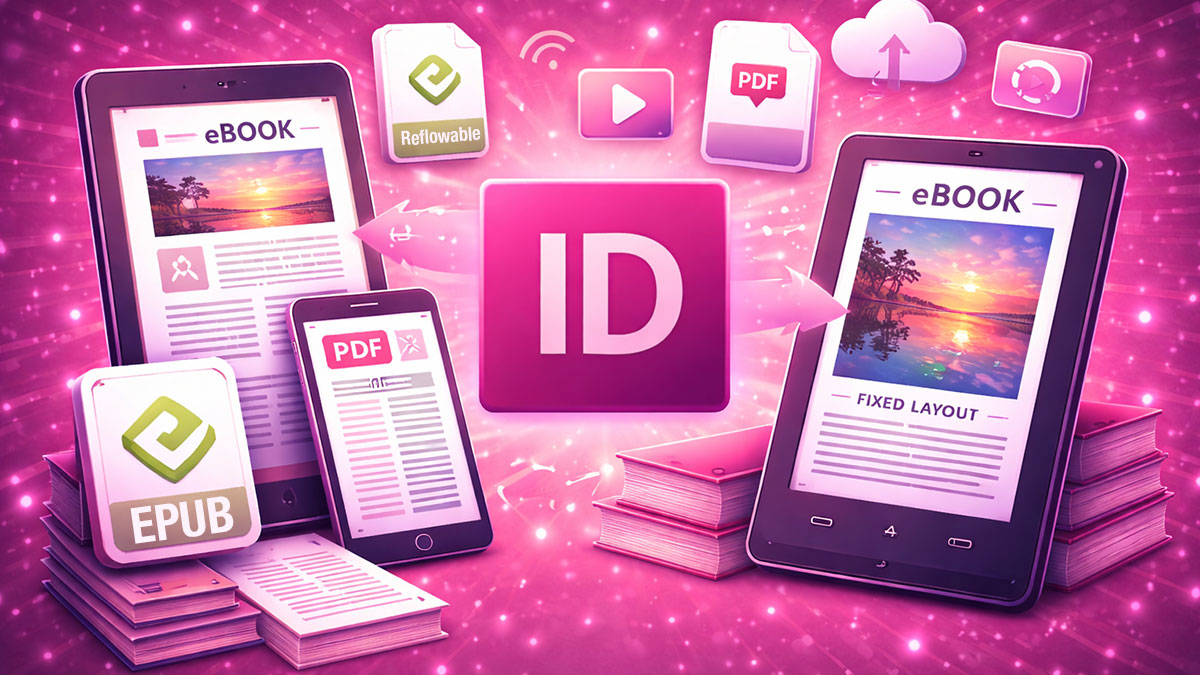
Adobe InDesign: Digital Publishing covers the specialized skills needed to create interactive PDFs and EPUB publications that deliver engaging experiences on screens and e-readers. This course bridges the gap between traditional print-focused InDesign work and the requirements of digital output, teaching participants to think about document structure in ways that translate effectively to HTML/CSS-based formats.
Participants will learn the differences between reflowable and fixed-layout EPUBs, create interactive PDFs with buttons, navigation, and multimedia, and troubleshoot the unique challenges of digital publishing workflows. Through hands-on projects, you’ll develop the skills to repurpose print content for digital delivery and create digital-first publications.
Format: 2 Days | VILT
Who Should Attend
- Designers creating e-books and digital publications
- Marketing professionals producing interactive PDF presentations
- Publishers expanding into digital distribution channels
- InDesign users seeking to optimize documents for screen delivery
What You’ll Learn
- Understand reflowable vs. fixed-layout EPUB formats and their use cases
- Structure InDesign documents for clean HTML/CSS export
- Create interactive PDFs with buttons, hyperlinks, and navigation
- Add multimedia elements including video and audio
- Optimize typography and imagery for screen display
- Export and validate EPUB files for distribution
- Troubleshoot common digital publishing issues
- Plan documents for both print and digital output
Course Outline
Module 1: Digital Publishing Fundamentals
- Understanding digital format options and their strengths
- Reflowable EPUB vs. fixed-layout EPUB vs. interactive PDF
- How e-readers and PDF viewers render content
- Planning documents for digital delivery from the start
Module 2: Structuring Documents for EPUB
- Organizing content with export tags and articles
- Using styles that translate to clean HTML/CSS
- Managing reading order for reflowable content
- Handling images and graphics for EPUB export
Module 3: Interactive PDF Creation
- Adding hyperlinks and cross-references
- Creating buttons and interactive navigation
- Building bookmarks and table of contents for PDF
- Export settings for interactive PDF delivery
Module 4: Buttons, Forms, and Multimedia
- Designing button states and rollover effects
- Creating page transitions and animations
- Embedding video and audio content
- Building interactive presentations
Module 5: Typography and Images for Screens
- Selecting and configuring fonts for digital delivery
- Optimizing images for screen resolution and file size
- Managing color for screen display
- Responsive considerations for different devices
Module 6: EPUB Export and Validation
- Exporting reflowable and fixed-layout EPUBs
- Validating EPUB files with industry tools
- Troubleshooting common export problems
- Testing across devices and readers
Prerequisites & Technical Requirements
- Solid understanding of InDesign basics including styles and page structure
- Familiarity with creating multi-page documents
- Computer with Adobe InDesign installed; EPUB reader software recommended
Customization Options
This course can be tailored to focus on EPUB or interactive PDF based on your primary output needs. We can incorporate your existing publications for conversion exercises, address specific distribution platform requirements, and develop workflows that integrate with your current print production processes.