
Overview
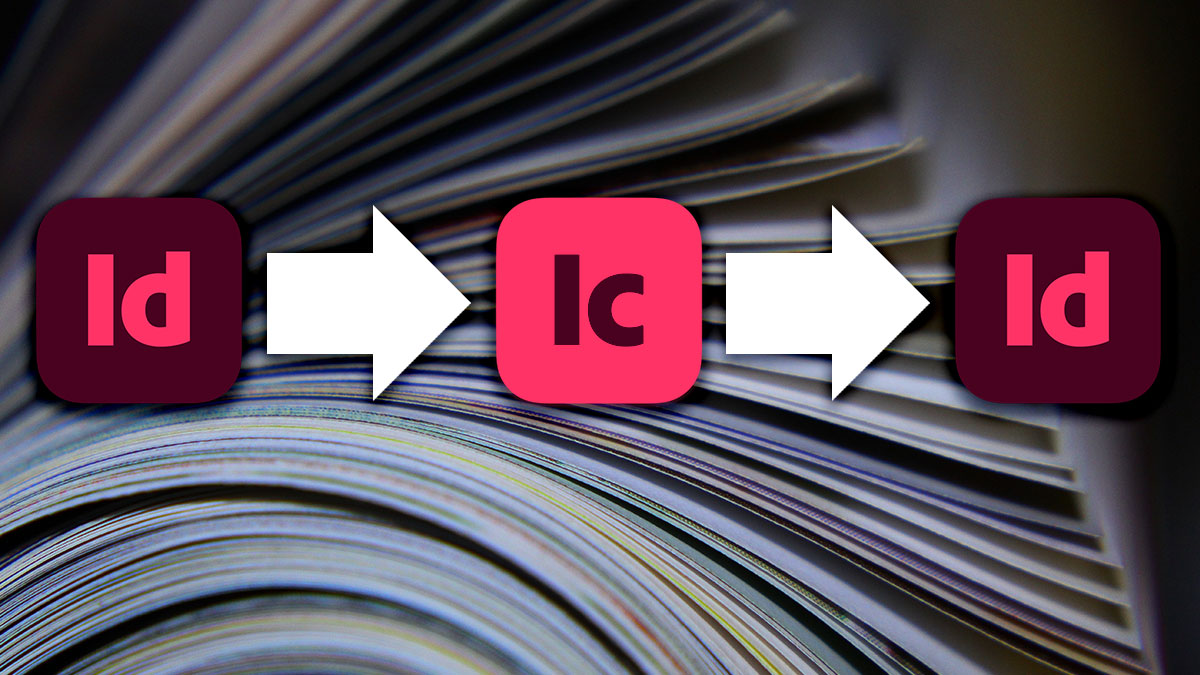
Adobe InDesign + InCopy Workflow for Teams teaches editorial, design, and production professionals how to collaborate efficiently on shared publications using Adobe’s integrated workflow tools. This course covers the assignment-based workflow that allows writers and editors to work in InCopy while designers maintain layout control in InDesign, eliminating version conflicts and accelerating production cycles.
Participants will learn to set up and manage assignments, implement check-in/check-out protocols that prevent overwrites, enforce style consistency across contributors, and coordinate multi-user production on complex publications. Through hands-on exercises simulating real team workflows, you’ll develop the skills to streamline collaborative publishing projects.
Format: 1 Day | Live Online (VILT) or On-Site
Who Should Attend
- Designers coordinating with writers and editors on publications
- Editorial team members contributing content to InDesign layouts
- Production managers implementing collaborative workflows
- Publishing teams seeking to reduce version conflicts and delays
What You’ll Learn
- Understand InDesign and InCopy roles in collaborative publishing
- Create and manage assignments for editorial contributors
- Implement check-in/check-out workflows that prevent conflicts
- Set editorial permissions and enforce style guidelines
- Coordinate simultaneous work by designers and writers
- Manage revision cycles and content updates efficiently
- Package collaborative projects for handoff and archiving
- Troubleshoot common workflow problems
Course Outline
Module 1: InDesign/InCopy Workflow Fundamentals
- Understanding the InDesign/InCopy relationship
- Defining roles: designers, editors, and writers
- Workflow models for different team structures
- Planning collaborative projects from the start
Module 2: Creating and Managing Assignments
- Exporting content from InDesign for InCopy editing
- Creating assignment packages and files
- Organizing assignments for complex publications
- Managing assignment updates and changes
Module 3: Check-In/Check-Out Workflows
- Understanding content locking and availability
- Checking out content for editing
- Checking in and updating InDesign layouts
- Resolving conflicts and managing simultaneous access
Module 4: Editorial Control and Permissions
- Setting permissions for editorial contributors
- Controlling style application and overrides
- Managing what editors can and cannot change
- Enforcing design standards in editorial content
Module 5: Multi-User Coordination
- Coordinating designers and editors on shared documents
- Managing revision cycles and feedback
- Handling late-breaking content changes
- Communication strategies for distributed teams
Module 6: Packaging and Troubleshooting
- Packaging collaborative projects for handoff
- Archiving projects with all assignment data
- Troubleshooting common workflow issues
- Best practices for ongoing collaborative production
Prerequisites & Technical Requirements
- Basic to intermediate InDesign experience
- Familiarity with multi-page document production
- Computer with Adobe InDesign and InCopy installed (for full workflow exercises)
Customization Options
This course can be tailored to your organization’s team structure, publication types, and existing editorial processes. We can develop workflows that match your approval cycles, address your specific coordination challenges, and create templates that support your collaborative production needs.