
Overview
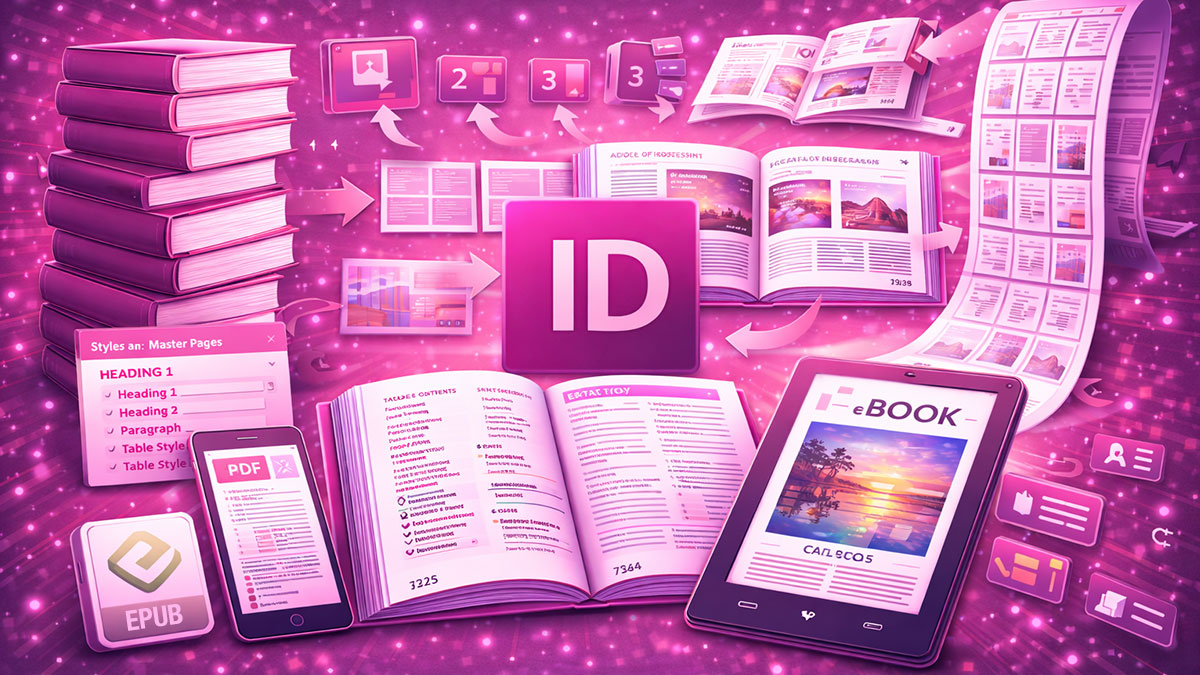
Adobe InDesign: Long-Document Production provides advanced training for designers tackling books, manuals, reports, and multi-chapter publications that demand sophisticated organization and rock-solid stability. This course covers the specialized workflows, features, and strategies that make the difference between struggling with unwieldy files and efficiently managing complex publications.
Participants will learn to plan and structure long documents from the outset, leverage the Book panel for multi-file projects, implement numbering systems across sections, and create dynamic elements like tables of contents and cross-references. Through hands-on projects, you’ll develop the skills to produce substantial publications while maintaining performance and output quality.
Format: 2 Days | VILT
Who Should Attend
- Designers producing books, manuals, or multi-chapter publications
- Technical writers creating comprehensive documentation
- Publication designers managing complex editorial projects
- Production professionals optimizing long-document workflows
What You’ll Learn
- Plan and structure long documents for efficient production
- Use the Book panel and INDB files to manage multi-chapter projects
- Implement sections with independent page numbering systems
- Create dynamic tables of contents that update automatically
- Build cross-references and hyperlinks that remain accurate
- Manage footnotes and endnotes across long publications
- Maintain document stability and optimize performance
- Export long documents with consistent, high-quality output
Course Outline
Module 1: Planning Long Documents
- Assessing project requirements and structural needs
- Single-file vs. multi-file project strategies
- Template and master page planning for consistency
- Style architecture for complex publications
Module 2: Book Panel and Multi-File Workflows
- Creating and managing book files (INDB)
- Synchronizing styles and settings across documents
- Adding, removing, and reordering chapters
- Outputting complete books from multiple files
Module 3: Sections and Page Numbering
- Creating sections with different numbering schemes
- Working with roman numerals, letters, and custom formats
- Managing continuous numbering across book files
- Handling front matter, body, and back matter
Module 4: Tables of Contents
- Planning TOC structure and entry styles
- Creating and formatting tables of contents
- Updating TOCs as content changes
- Building multiple TOCs for different purposes
Module 5: Cross-References and Notes
- Creating cross-references that update dynamically
- Formatting cross-reference text and hyperlinks
- Working with footnotes and endnotes
- Managing notes across multi-file books
Module 6: Stability, Performance, and Output
- Optimizing documents for performance with large files
- Troubleshooting common long-document problems
- Exporting complete publications to PDF
- Packaging and archiving complex projects
Prerequisites & Technical Requirements
- Intermediate to advanced InDesign skills including styles and master pages
- Experience working with multi-page documents
- Computer with Adobe InDesign installed (trial version acceptable for training)
Customization Options
This course can be tailored to your organization’s specific publication types, whether technical manuals, annual reports, books, or catalogs. We can incorporate your existing templates and style systems, address particular structural challenges in your documents, and develop workflows aligned with your editorial and production processes.