
Overview
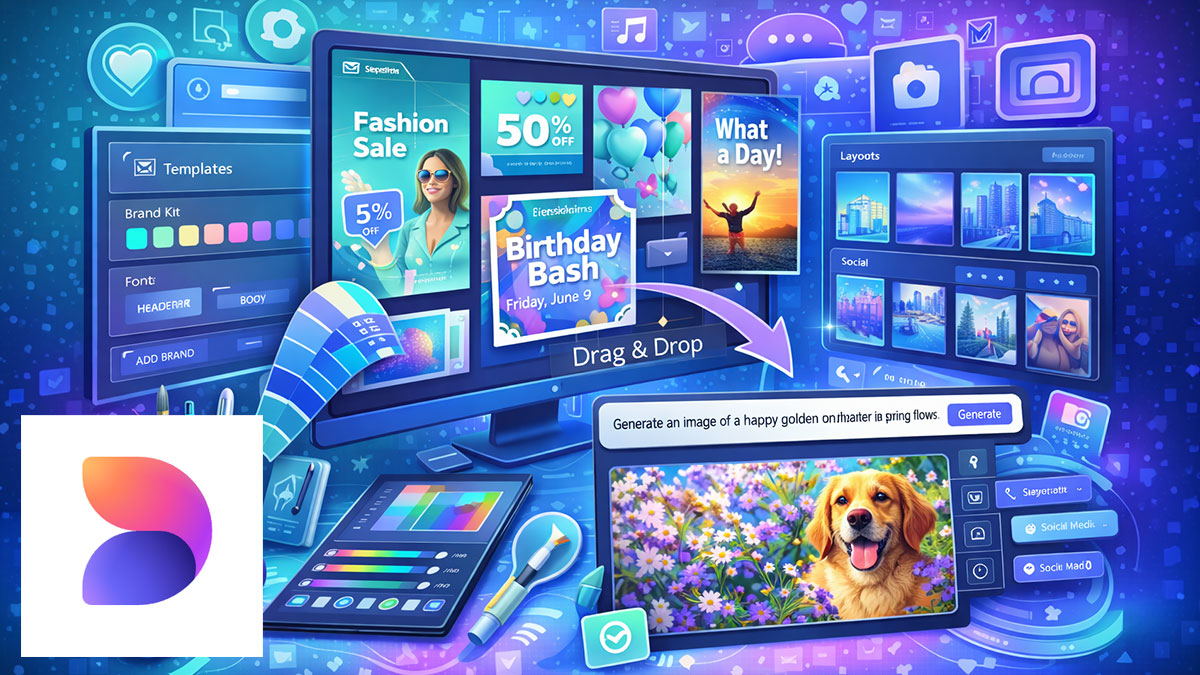
Microsoft Designer: Beginner Essentials introduces business professionals and creative teams to Microsoft’s AI-powered design tool for creating polished visual content quickly and easily. This course covers everything newcomers need to start producing professional graphics, from understanding the interface and templates to leveraging AI prompts that generate layouts and design variations automatically.
Participants will learn to work with text, images, icons, and brand colors to create cohesive visuals, then export assets for use across PowerPoint, Word, Teams, SharePoint, and social media platforms. Through hands-on exercises, you’ll develop the foundational skills and workflow habits that ensure consistent, professional results from your very first designs.
Format: 2 Days | VILT
Who Should Attend
- Business professionals creating visual content for the first time
- Administrative staff producing graphics for internal communications
- Communications team members new to design tools
- Creative professionals exploring Microsoft Designer capabilities
What You’ll Learn
- Understand Microsoft Designer’s role within the Microsoft 365 ecosystem
- Navigate the Designer interface and access template libraries
- Use AI prompts to generate layouts and design variations
- Work with text, images, icons, and shapes to build compositions
- Apply brand colors and maintain visual consistency
- Export assets in appropriate formats for different platforms
- Integrate Designer outputs into PowerPoint, Word, Teams, and SharePoint
- Establish efficient workflows for ongoing design needs
Course Outline
Module 1: Introduction to Microsoft Designer
- Understanding Microsoft Designer’s capabilities and use cases
- How Designer fits within Microsoft 365
- Navigating the interface and workspace
- Exploring template categories and starting points
Module 2: AI-Powered Design Generation
- Using text prompts to generate design concepts
- Creating layout variations with AI assistance
- Refining and iterating on generated designs
- Understanding AI capabilities and limitations
Module 3: Working with Design Elements
- Adding and formatting text for impact
- Inserting and editing images and graphics
- Using icons, shapes, and decorative elements
- Arranging and aligning elements for clean layouts
Module 4: Color and Brand Consistency
- Working with color palettes and themes
- Applying brand colors to designs
- Maintaining visual consistency across assets
- Creating cohesive design sets
Module 5: Exporting and Sharing
- Choosing appropriate export formats and sizes
- Preparing assets for social media platforms
- Saving designs for future editing
- Organizing your design library
Module 6: Microsoft 365 Integration
- Using Designer assets in PowerPoint presentations
- Adding graphics to Word documents
- Creating visuals for Teams and SharePoint
- Building efficient cross-application workflows
Prerequisites & Technical Requirements
- Basic computer skills and familiarity with web applications
- Microsoft 365 subscription with Designer access
- Modern web browser (Edge, Chrome, or Safari recommended)
Customization Options
This course can be tailored to your organization’s specific visual content needs, brand guidelines, and Microsoft 365 environment. We can focus on particular asset types most relevant to your work, incorporate your brand elements into exercises, and address the platforms where you most frequently share content.