
Overview
Your notes are scattered across apps, documents, and notebooks—making it impossible to find connections between ideas or build on past work. This two-day course teaches you to use Obsidian to create a personal knowledge management system that grows more valuable over time, helping you think better, write faster, and never lose an important idea again.
You’ll master Obsidian’s linking system to connect related ideas, build a sustainable note-taking workflow that actually works long-term, organize information without rigid folder structures, and leverage plugins to customize Obsidian for your specific needs. Whether you’re a researcher managing literature reviews, a writer developing ideas, a student organizing course materials, or a professional building a second brain, this course gives you practical skills to turn scattered notes into connected knowledge.
Format: 2 Days | VILT
Who Should Attend
- Researchers and academics managing literature, sources, and research notes
- Writers developing ideas, organizing research, and managing writing projects
- Students looking for sustainable note-taking beyond linear class notes
- Knowledge workers building a “second brain” for professional development
- Project managers organizing information across multiple initiatives
- Anyone frustrated with fragmented notes across multiple apps and systems
What You’ll Learn
- Create interconnected notes using Obsidian’s linking and backlinking system
- Build sustainable organizational systems without rigid folder hierarchies
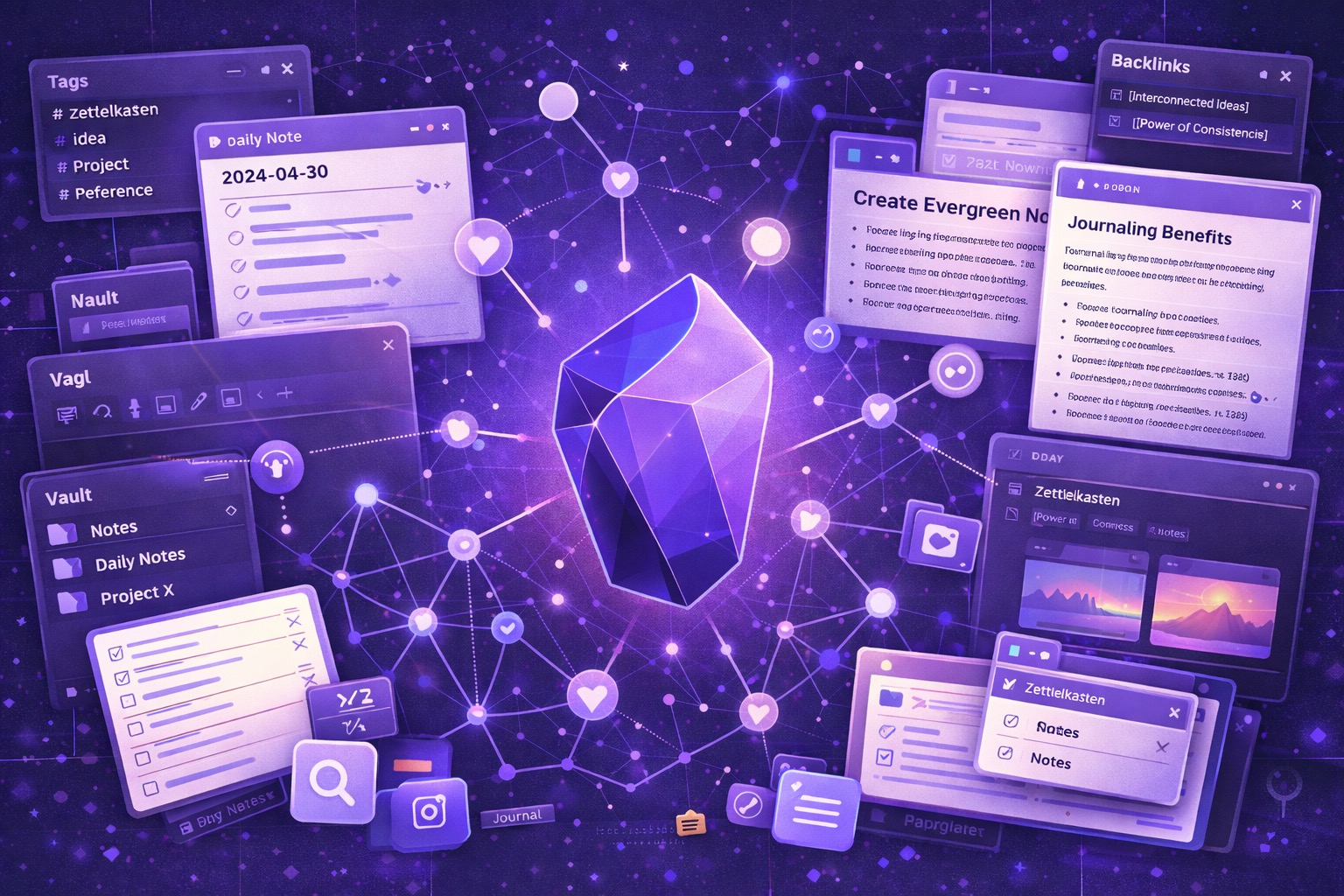
- Use Graph View to visualize connections and discover unexpected relationships
- Implement proven note-taking methodologies: Zettelkasten, PARA, or custom systems
- Leverage core and community plugins to enhance functionality
- Develop daily workflows for capturing, processing, and connecting information
Course Outline
Module 1: Obsidian Fundamentals and Philosophy
- Understanding Obsidian’s local-first, plain text philosophy
- Setting up your first vault and understanding file structure
- Markdown basics: formatting text without complex software
- Creating, editing, and organizing your first notes
- The power of links: connecting ideas instead of filing them away
- Obsidian vs. other note-taking apps: when to use what
Module 2: Linking, Backlinks, and the Knowledge Network
- Internal links: connecting notes to build knowledge networks
- Wikilinks vs. markdown links: understanding the difference
- Backlinks: discovering connections you didn’t know existed
- Unlinked mentions: finding implicit connections
- Link types: when to link, when to embed, when to reference
- Building a web of knowledge instead of isolated documents
Module 3: Organization Systems and Workflows
- Folders vs. tags vs. links: choosing the right organizational method
- The PARA method: Projects, Areas, Resources, Archives
- Zettelkasten principles: atomic notes and emergent structure
- Johnny Decimal and other numbering systems
- Maps of Content (MOCs): creating index notes
- Designing a system that matches how you actually think and work
- Evolution over perfection: starting simple and growing complexity
Module 4: Graph View and Visual Knowledge Discovery
- Understanding and navigating the Graph View
- Local graphs: seeing connections for individual notes
- Using filters to focus on specific topics or time periods
- Identifying knowledge clusters and isolated notes
- Graph View as a thinking tool, not just visualization
- Discovering unexpected connections between ideas
Module 5: Templates, Daily Notes, and Automation
- Creating templates for recurring note types
- Daily notes: building a sustainable daily practice
- Meeting notes, project templates, and content templates
- Template variables and dynamic content
- Quick capture workflows: getting ideas into Obsidian fast
- Periodic notes: weekly and monthly reviews
- Integrating Obsidian into your existing workflows
Module 6: Core Plugins and Essential Extensions
- Core plugins: understanding what’s built-in and when to enable them
- Community plugins: extending functionality safely
- Essential plugins: Dataview, Templater, Calendar, Kanban
- Canvas: visual thinking and spatial organization
- Search and query: finding information quickly
- Publishing and sharing: Obsidian Publish vs. alternative methods
- Sync options: Obsidian Sync vs. cloud storage solutions
Module 7: Advanced Techniques and Sustainable Practices
- Progressive summarization: highlighting and distilling notes over time
- Literature notes and reference management
- Writing workflows: from research notes to finished drafts
- Project management and task tracking within Obsidian
- Dataview queries: treating your notes as a database
- Maintaining your system: cleanup, review, and refinement
- Common pitfalls: over-organizing, abandoned vaults, complexity creep
- Building habits that keep your knowledge system alive and useful
Prerequisites & Technical Requirements
- Basic computer skills and file management understanding
- Obsidian installed on your computer (free download)
- Willingness to experiment with new note-taking approaches
- Existing notes to migrate (optional but helpful for practice)
- No technical or coding background required
Customization Options
This course can be customized for specific use cases—academic research and literature management, creative writing and content development, project management and team knowledge bases, student note-taking and learning systems, or personal knowledge management and lifelong learning. We can focus on specific methodologies (Zettelkasten, PARA, GTD) or professional contexts and work with your actual notes and workflows for immediately applicable organizational systems.