
Overview
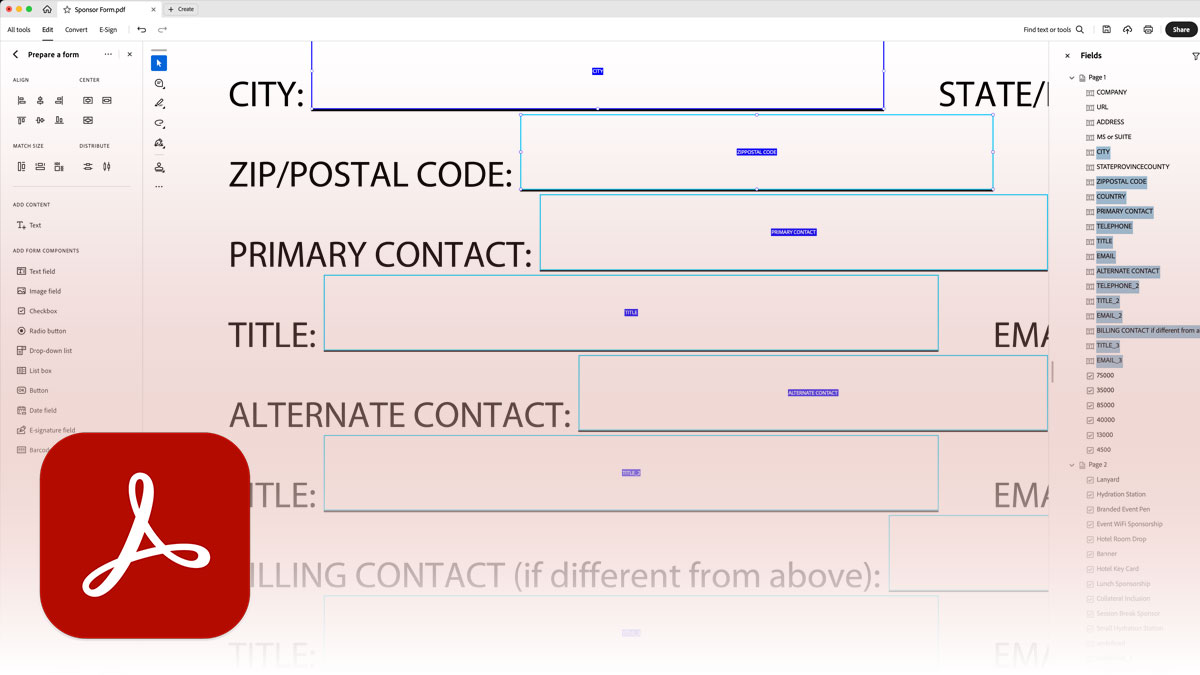
Paper forms waste time—for you and the people filling them out. This course teaches you to create professional fillable PDF forms that collect data cleanly, calculate values automatically, and integrate into modern workflows. You’ll transform static documents into interactive forms that work.
You’ll learn to convert existing documents into fillable forms, configure field types and properties correctly, implement basic calculations and validation, and distribute forms for efficient data collection. Whether you’re digitizing legacy paperwork or building forms from scratch, you’ll create forms people actually want to fill out.
Format: 1 Day | VILT
Who Should Attend
- Professionals creating and managing fillable PDF forms
- Administrative staff digitizing paper-based processes
- HR, finance, and operations teams collecting structured data
- Anyone responsible for form creation and data collection
What You’ll Learn
- Convert Word documents and scanned forms into fillable PDFs
- Add and configure text fields, checkboxes, dropdowns, and buttons
- Apply consistent field naming conventions
- Distribute forms and collect responses efficiently
- Troubleshoot common form problems
Course Outline
Module 1: Form Creation Fundamentals
- Planning forms before building them
- Converting Word documents to fillable PDFs
- Using Acrobat’s automatic form field detection
- Creating forms from scratch
Module 2: Form Field Types
- Text fields: single-line, multi-line, and formatted input
- Checkboxes and radio buttons
- Dropdown lists and list boxes
- Buttons: submit, reset, and action buttons
Module 3: Field Properties and Configuration
- Field appearance: fonts, colors, and borders
- Field options: default values, tooltips, and required fields
- Tab order and field navigation
Module 4: Field Naming Conventions
- Why naming matters for forms that scale
- Hierarchical naming strategies
- Avoiding common naming mistakes
Module 5: Distribution and Data Collection
- Distributing forms via email and web
- Tracking form responses
- Collecting and exporting form data
- Form submission options and workflows
Prerequisites & Technical Requirements
- At least 6 months experience creating PDFs
- Adobe Acrobat Pro installed (latest version recommended)
Customization Options
This course can focus on your specific form types—intake forms, applications, order forms, surveys, or internal workflows. We can work with your existing forms and help you build templates that match your organization’s branding and data requirements.